Guide
Miele Oven Demo Mode: How to Turn It Off
How to switch a Miele oven out of Demo mode under Settings, Showroom, Demo mode, plus the other settings and codes that make a working oven look broken.
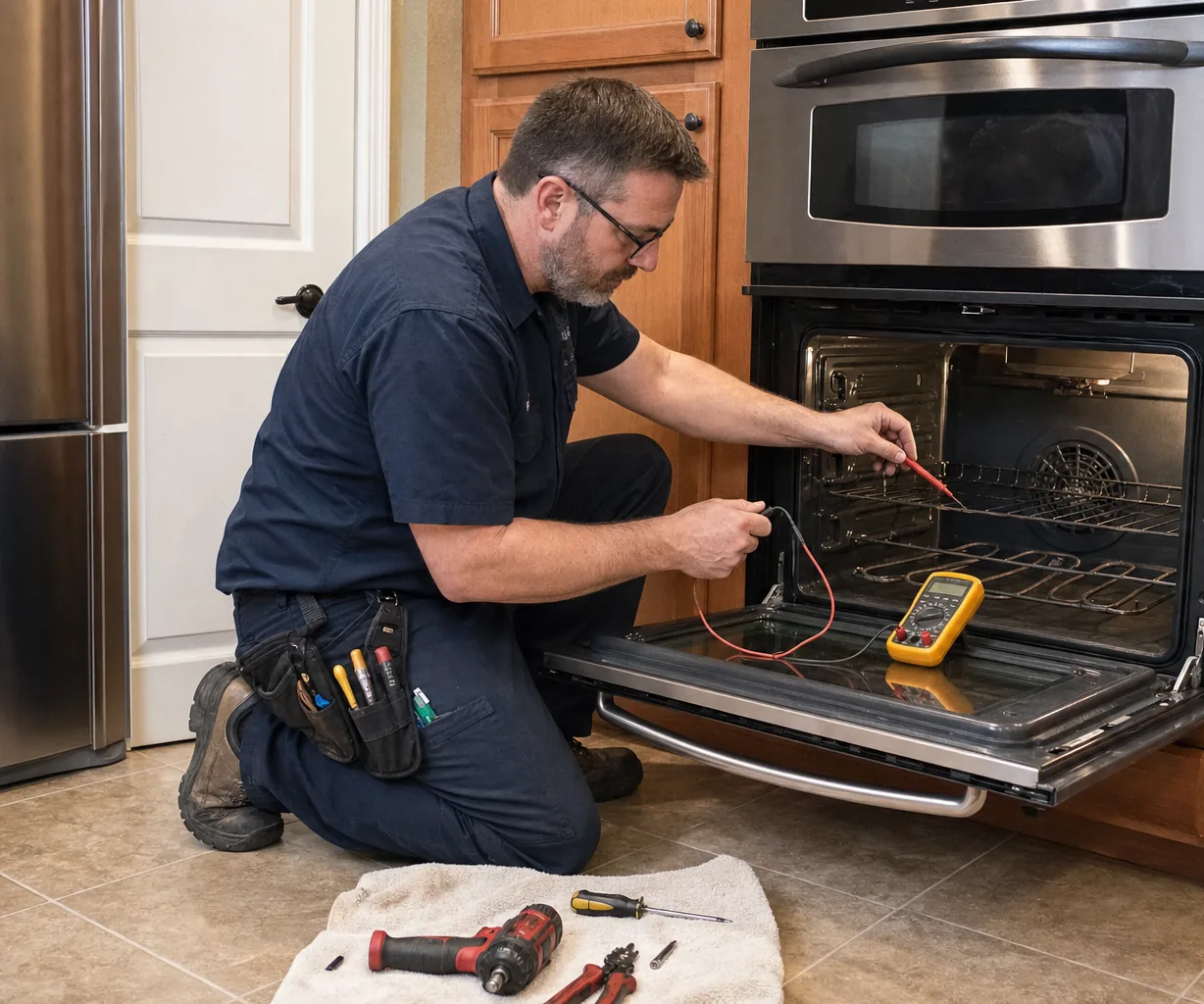
If your Miele oven shows “Demo mode activated. Appliance does not heat up,” nothing is broken: open Settings, choose Showroom, then Demo mode, select Off, and press and hold OK for at least 4 seconds before you confirm. The fix takes about 2 minutes, and once the showroom setting is off the oven heats the way it should.
What does Demo mode actually do?
Demo mode is built for showrooms. It lets a salesperson walk a shopper through the display and menus without the oven getting hot on a sales floor. The display works and you can still scroll through cooking modes, but the oven will not heat. That is why it fools people: everything looks alive except the heat.
An oven usually ends up in Demo mode because it was a display unit and the setting was never switched off, or because someone browsed the Settings menu during setup and changed it by accident. If the display shows the Demo mode text, you have a setting to change, not a failed heating element.
How do you turn off Demo mode on a Miele oven?
- Turn the oven on so the display is active.
- Open Settings from the main menu.
- Scroll to Showroom, select it, then choose Demo mode.
- Select Off.
- Press and hold OK for at least 4 seconds, then confirm when the oven asks.
Then start a normal baking mode at 350°F and give it 10 to 15 minutes. If you feel heat and the temperature climbs, you are done. If Showroom does not appear, the menu will not accept the change, or the message comes back after a restart, book a service call.
Which other settings and codes look like a broken oven?
Many “my oven died” moments come down to a mode doing its job or a code asking for a simple step. Check this table before you assume a part has failed.
| Symptom or code | Likely cause | What you can check | When to call a technician |
|---|---|---|---|
| Demo mode message, no heat | Showroom Demo mode left on | Settings, Showroom, Demo mode, Off, hold OK 4+ seconds | The menu will not change |
| Oven holds one temperature for hours | Sabbath Program or Yom-Tov running | Whether a special mode was started | It stays stuck after the mode ends |
| F55, oven stops mid-cook | Safety shut-off after a very long cook | Turn the oven off and back on | F55 appears on short cooks |
| F32 or F33 | Self Clean door lock did not lock (F32) or open (F33) | Turn the oven off and back on | The code keeps coming back |
| F20, or steam locked out | Combi-steam oven due for descaling | Descale with 2 Miele Descaling Tablets | Descaling does not clear it |
| Display completely dark | Tripped breaker or outage | The breaker panel | The breaker is fine but the display stays dark |
F32 and F33 are listed for ovens such as the 30-inch H 7880 BP convection oven; F20 applies to Miele combi-steam ovens.
Why does a Sabbath setting or long cook stop on its own?
The Sabbath Program holds a set temperature for up to 24 hours, and Yom-Tov mode for up to 76 hours. A power failure cancels either one, so the oven will not pick the special mode back up when power returns. Darien sits on Long Island Sound, where a passing storm can flicker the power, so check the oven after any outage instead of assuming it is still holding temperature.
F55 is the other one. Miele ovens shut themselves off after unusually long operation: 6 hours in grill modes and 12 hours in every other mode. A slow roast left running overnight can reach that limit. Turn the oven off and back on and it is immediately ready to use. It is a safety feature, not a failure.
What maintenance settings matter on a combi-steam oven?
Miele combi-steam ovens count steam cooking processes and show how many remain before descaling is due. After the last one, steam functions lock out until you descale, which looks like a fault if you missed the countdown. Descale ahead of time by dissolving 2 Miele Descaling Tablets in lukewarm water in the water container, then run the descaling program. Miele sells its Descaling tablets (GP DC CX 0061 T, 6 tablets) for steam ovens and for ovens and ranges with Moisture Plus.
When is it a real repair, and what does it cost?
If every setting is correct and the oven still will not heat, the cause is likely a component such as a heating element, temperature sensor, door lock or control board. Typical ranges:
- Diagnostic / service call: $95–$149, credited toward the repair
- Range / oven repair: $250–$900
The firm quote is given on site after diagnosis. Compare costs on our repair pricing page, or read about wall oven repair and our Miele service. Darien Viking Appliance Repair is an independent service, not manufacturer-authorized. Call (475) 281-3784 for Darien, Noroton, Tokeneke, Rowayton, New Canaan, Stamford and nearby towns.
Frequently asked questions
How long do I hold OK to turn off Demo mode?
Hold OK for at least 4 seconds after selecting Off, then confirm. A short press may not save the change, so count it out.
Is my Miele oven broken if the display works but it will not heat?
Not necessarily, so check the display for the Demo mode message first. If no message appears and the settings look normal, book a diagnosis.
Why did my oven shut off during a long slow roast?
That is most likely F55, a safety shut-off after 6 hours in grill modes or 12 hours in other modes. Turn the oven off and on, and it is ready to use right away.